31 Usability Testing Survey Questions
Explore 25 sample usability testing survey questions with practical keyword insights to improve UX research, feedback quality, and survey design.
If you want sharper user feedback, start with the right usability test vragenlijst. These usability testing survey questions help you capture what people think before, during, and after task-based testing, so you spot issues observation alone can miss. In this guide, you’ll get practical website survey questions about usability, prototype user testing questions, and software testing survey questions, plus a usability test questions template you can adapt with an online survey maker. The right website usability questions and user testing questions prototype can reveal friction, confusion, and unmet expectations fast, like a flashlight for awkward UX moments.
Pre-Test Screening Questions
Sample questions
How often do you use products or websites like this one?
Which of the following best describes your experience with this type of software or service?
What is your primary reason for using tools like this?
Have you participated in a usability test or user research study in the past 6 months?
Which device do you most often use to complete this kind of task?
Pick participants with purpose
Why & When to Use
Pre-test screening questions help you recruit the right people before the usability session even begins.
If you are building a usability test vragenlijst or adapting a usability test questions template, this step makes sure your feedback comes from participants who actually match your audience.
Use these questions during participant recruitment for website, software, or prototype studies.
They work especially well when you need website survey questions about usability that qualify people without giving away what kind of answers you want, because nobody should be able to "ace the test" before it starts.
Here’s the thing, strong screening focuses on behavior, not assumptions.
Ask what people do, how often they do it, and what device they use, instead of asking if they are "the right kind" of user.
Keep your screener short so more people finish it.
Avoid leading questions that hint at your ideal participant.
Balance novice and experienced users based on your study goal.
Use clear filters for prototype user testing questions, software testing survey questions, or web usability testing questions.
Plus, these website usability questions help you qualify participants fast, so your sessions are less random and a lot more useful.
Effective usability-test screeners should target real users’ behavioral characteristics and avoid revealing study purpose, reducing “gamed” responses and improving participant relevance (NN/g).
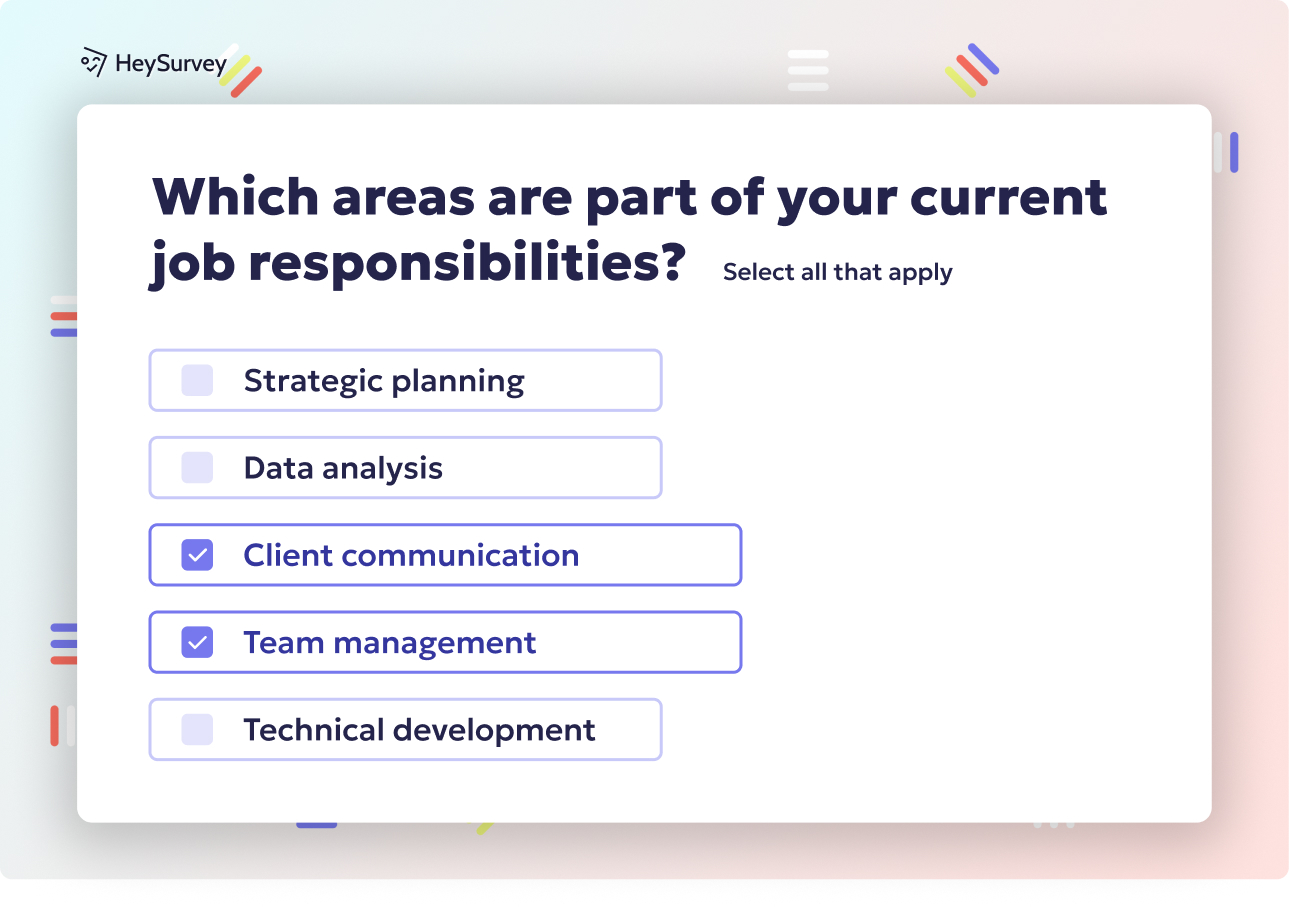
Create a usability testing survey in HeySurvey in 3 easy steps:
Create a new survey
Click the button below to open a template, or start from scratch with an empty sheet. Give your survey a clear name, then set up basic options like language, logo, and survey layout if needed.Add questions
Use Add Question to include the most useful usability testing questions. Mix Choice, Scale, and Text questions to ask about task success, ease of use, clarity, and any problems respondents noticed. You can mark questions as required and add descriptions to guide answers.Publish survey
Preview your survey to check everything looks right, then click Publish to create a shareable link. Once published, send the link to testers and start collecting responses with our online survey maker.
First-Impression Survey Questions
Sample questions
What do you think this website or product is for?
What stands out to you first on this page or screen?
How clear is the main purpose of this interface?
What would you expect to do next from here?
What, if anything, feels confusing at first glance?
Catch the blink-fast reaction
Why & When to Use
First-impression questions capture your user’s gut reaction in the first few seconds of seeing a website, app, or prototype.
That makes them a smart part of any usability test vragenlijst, especially when you want honest reactions before task success starts sweet-talking the interface.
Use these questions right after someone lands on the screen and before you explain the product, the goal, or what they should click.
Here’s the thing, once users start completing tasks, their opinions shift because familiarity kicks in and first impressions quietly leave the building.
These prompts are great for website survey questions about usability because they reveal whether the design instantly communicates purpose, trust, and next steps.
Plus, they also help with branding clarity, since people will quickly show you whether the page feels polished, sketchy, helpful, or just plain "wait, what is this?"
A strong usability test questions template often mixes open-ended reactions with rating scales so you get both emotion and structure.
Ask before giving context so reactions stay natural.
Compare what users think the product does versus what it actually does.
Pair open answers with scaled website usability questions for richer insight.
Watch for patterns in visual hierarchy, clarity, and trust.
On top of that, these web usability testing questions work beautifully for prototype user testing questions too.
Research shows users form website impressions in as little as 50 milliseconds, making first-impression survey questions critical for assessing clarity, appeal, and trust in usability tests (source).
Task-Based Usability Survey Questions
Sample questions
How easy or difficult was it to complete this task?
At what point, if any, did you hesitate or feel unsure?
What were you expecting to happen when you clicked or selected that option?
Did anything slow you down during the task?
How confident are you that you completed the task correctly?
Tie feedback to real user goals
Why & When to Use
Task-based questions belong in your usability test vragenlijst when you want feedback connected to actual actions, not vague opinions floating around like lost socks.
You use them during or right after users try key tasks like signing up, finding information, checking out, or finishing steps in a workflow.
Here’s the thing, this section is the heart of many web usability testing questions because it shows where your design helps people move forward and where it quietly puts a banana peel on the floor.
These prompts are especially useful in a usability test questions template because they connect feedback to specific user goals, which makes the findings far easier to fix.
Plus, they work well for both moderated and unmoderated studies, so they fit everything from live interviews to scalable website survey questions about usability.
Ask these questions immediately after each task while the experience is still fresh.
Match confusion to the exact step where it happened so you can judge issue severity more clearly.
Probe for expectation gaps, not just ratings, because "I clicked this expecting X" often reveals the real design problem.
Review task success, time on task, and self-reported difficulty together for better insight.
Reuse these website usability questions for prototype user testing questions, software testing survey questions, and user testing questions prototype workflows.
On top of that, this approach makes your website survey questions about usability far more actionable than general satisfaction alone.
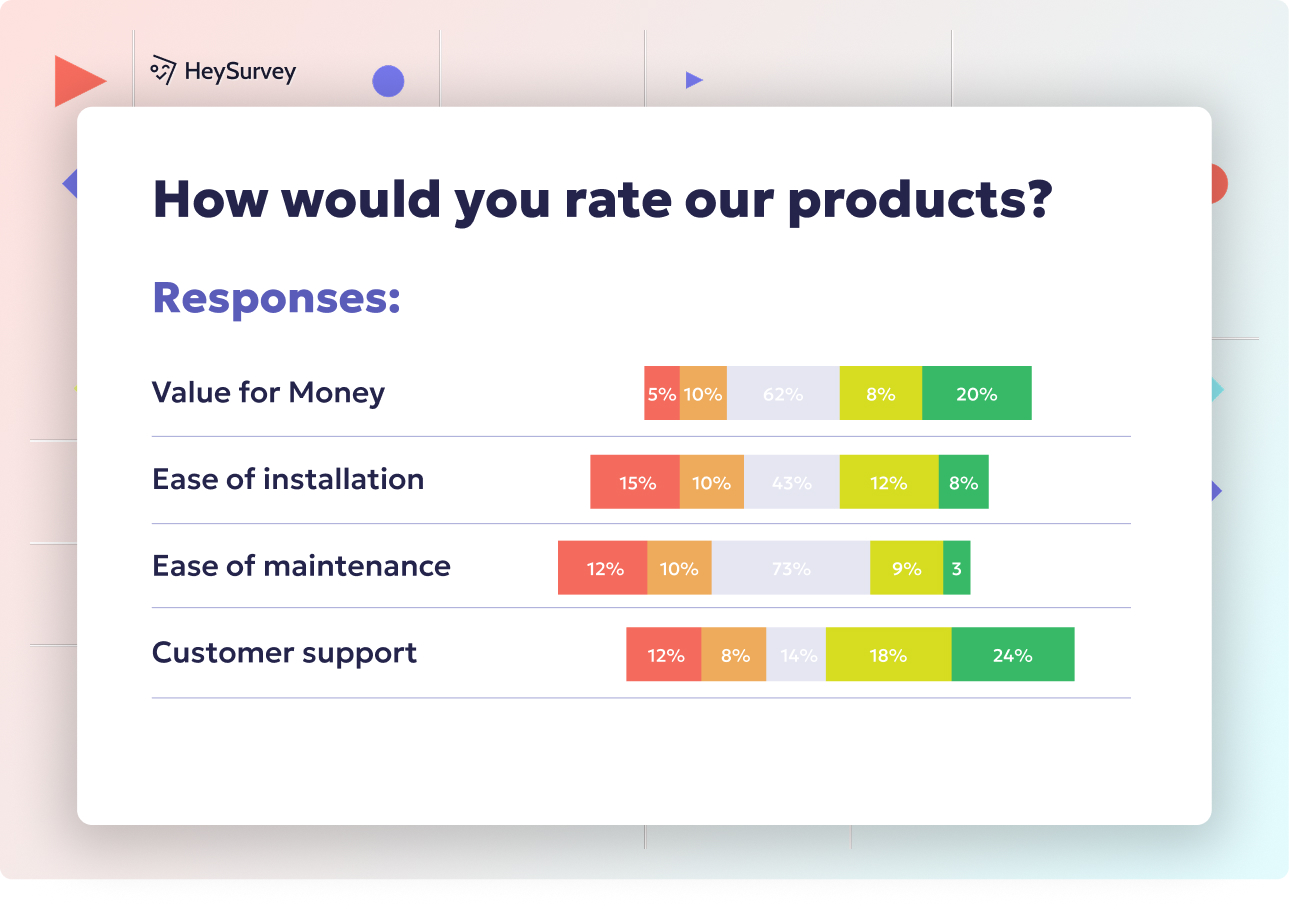
Navigation and Findability Survey Questions
Sample questions
How easy was it to find the information or feature you needed?
Were the menu labels and categories clear to you?
Did you ever feel lost while moving through the site or product?
Where did you expect to find this feature or information?
What navigation label or pathway was most confusing?
Spot the moments users go hunting
Why & When to Use
Navigation and findability questions in your usability test vragenlijst measure how easily you can locate content, tools, categories, or the next logical step.
They are especially useful for content-heavy websites, ecommerce stores, SaaS dashboards, and complex software where people need to move fast without playing accidental hide-and-seek.
Here’s the thing, these are some of the most valuable website survey questions about usability because they reveal whether the structure helps you move confidently or sends you wandering.
They also matter in any usability test questions template focused on website usability questions, since poor findability often hurts results even when the content itself is perfectly fine.
That distinction matters: navigation clarity is about where things live, while content clarity is about how easy the words or information are to understand once found.
Plus, strong web usability testing questions should explore more than menus alone.
Ask about labels, categories, search, filters, and breadcrumbs when they exist.
Watch for signs of poor findability like backtracking, repeated scanning, and wrong clicks.
Probe where users expected to find something, because information architecture should match real mental models.
Reuse these prompts as prototype user testing questions, software testing survey questions, or user testing questions prototype check-ins.
On top of that, if users keep clicking in the wrong place, your navigation may be sending mixed signals with great confidence.
Tree testing quantifies navigation findability, and findability rates above 75% generally indicate users can locate content effectively. Source
Prototype User Testing Questions
Sample questions
What do you think this screen or flow allows you to do?
Which part of this prototype feels unfinished, unclear, or missing?
What would you click first to complete your goal?
How well does this flow match what you would expect in a real product?
What would make this prototype easier to understand or use?
Test the idea before you build the castle
Why & When to Use
Prototype user testing questions help you validate early concepts before development is finished, which is a lovely way to avoid building the wrong thing very efficiently.
They fit perfectly into a usability test vragenlijst when you want to learn whether the idea, flow, and structure make sense before design polish or full functionality arrive.
These prompts are ideal for low-fidelity wireframes, clickable demos, MVP concepts, and early workflow testing where you need directional feedback fast.
Plus, a strong usability test questions template should include prototype user testing questions because early reactions often reveal problems that later become expensive, stubborn little headaches.
Here’s the thing, with a user testing questions prototype setup, you want people reacting to the concept, not just pointing out that a button looks gray and lonely.
Before the session, set expectations that the prototype is unfinished so participants focus on flow logic, labels, and missing information rather than polish alone.
On top of that, these website survey questions about usability can uncover whether users understand what happens next, what feels absent, and what they expect from a real product.
Ask users what they think each screen is for before explaining anything.
Probe unclear labels, broken expectations, and missing steps in the flow.
Encourage comments on content, actions, and decision points, not just visuals.
Reuse these as website usability questions, web usability testing questions, or software testing survey questions for early concepts.
Post-Test Satisfaction and Experience Questions
Sample questions
Overall, how easy was this website, product, or prototype to use?
What was the most frustrating part of the experience?
What was the easiest or most helpful part of the experience?
How confident would you feel using this product on your own?
If you could improve one thing, what would it be?
Finish strong with feedback that actually means something
Why & When to Use
Post-test questions help you capture overall impressions after participants finish every task, which makes this part of your usability test vragenlijst perfect for spotting how the full experience felt from start to finish.
This is where your usability test questions template shifts from task-by-task behavior to bigger-picture reactions like satisfaction, confidence, ease of use, and whether someone would come back willingly instead of only under dramatic protest.
Here’s the thing, a few closing questions can reveal whether people felt in control, confused, relieved, or quietly annoyed, and yes, those emotional takeaways matter just as much as the clicks.
These prompts work well as website survey questions about usability because they combine ratings with open-ended responses, giving you both a measurable score and the story behind it.
Plus, they are useful for website usability questions, software testing survey questions, and product benchmarking when you want to compare results across versions over time.
End with both rating and open-ended questions so you capture clear scores and richer explanations.
Prioritize comments that repeat across participants because patterns beat one-off opinions.
Do not let high satisfaction scores hide obvious usability failures seen during the session.
Capture emotional reactions as well as functional concerns, because a product can work and still feel like a sock full of pebbles.
Accessibility and Inclusion Survey Questions
Sample questions
Was any text difficult to read or understand?
Did you encounter any issues with contrast, font size, or spacing?
Could you complete tasks using your preferred device or assistive approach?
Were any instructions, labels, or form fields unclear?
What barriers, if any, made this experience harder for you?
Inclusive questions uncover problems standard testing often misses
Why & When to Use
Accessibility-focused questions help your usability test vragenlijst uncover barriers that affect people with different abilities, preferences, devices, and everyday situations.
Here’s the thing, many issues first look like plain old usability trouble, but the real cause may be low contrast, confusing labels, tiny tap targets, or content that turns into alphabet soup on mobile.
This makes accessibility a smart addition to any usability test questions template, especially when you are working on public websites, essential services, education platforms, or enterprise tools used by all kinds of people on all kinds of screens.
Plus, this section strengthens standard web usability testing questions by asking not just whether a task worked, but whether it worked comfortably, clearly, and fairly for the person using it.
These website survey questions about usability are most useful when you want feedback on readability, device flexibility, form clarity, and support for different ways of completing tasks, including assistive approaches and varied contexts.
Use respectful wording when asking about barriers, and focus on the experience rather than making assumptions about the participant.
Treat accessibility comments seriously, even when they first sound like general website usability questions.
Consider device, screen size, environment, and reading comfort when reviewing answers.
Remember that better accessibility improves the experience for everyone, because clearer design is a crowd-pleaser, not a niche hobby.
Best Practices for Writing Usability Testing Survey Questions
Sample questions
Is this question neutral and free from leading language?
Does this question relate to a specific user goal or moment in the journey?
Can the participant answer this without guessing what we want to hear?
Are we asking for one idea at a time instead of combining multiple issues?
Will the answer help us make a product decision?
Good survey writing turns messy opinions into useful evidence
Why & When to Use
Best practices help you build a stronger usability test vragenlijst, whether you are reviewing a website, testing software, or gathering feedback on a prototype.
Here’s the thing, even a solid usability test questions template can go wonky if the wording is vague, leading, or trying to ask three things at once.
Use this section when you want cleaner insights from website survey questions about usability, especially if your team already has a draft and needs to improve it rather than start from scratch.
Plus, these tips work well for prototype user testing questions, software testing survey questions, and web usability testing questions because the goal stays the same: ask clearly, learn quickly, and avoid accidental bias.
Dos and Don’ts
Do use simple, specific language.
Do mix open-ended and rating-based questions.
Do ask questions close to the task or moment being evaluated.
Do focus on behavior, expectations, and obstacles.
Do keep surveys concise and tied to study goals.
Don’t ask leading or emotionally loaded questions.
Don’t use jargon people may not understand.
Don’t ask double-barreled questions.
Don’t rely only on satisfaction scores.
Don’t collect feedback you will never analyze, because that is just busywork wearing a lab coat.
How to Turn Usability Survey Insights Into Action
Sample questions
Which issues appeared most often across participants?
Which problems prevented task completion or reduced confidence?
Which usability issues are quick fixes versus larger design changes?
What patterns differ by user segment, device, or experience level?
What should we retest after making improvements?
Insights only matter when they lead to better decisions
Why & When to Use
A usability test vragenlijst is only useful if your team can turn answers into clear next steps.
Here’s the thing, the real win comes after the survey, when you move from raw comments to smarter design, content, navigation, or workflow updates using your usability test questions template.
Use this final step after any website survey questions about usability, whether you ran website usability questions on a live site or prototype user testing questions for something still taking shape.
Plus, this is where you separate helpful signal from background noise, because not every complaint deserves a full redesign, even if it arrives wearing dramatic punctuation.
To make survey results actionable, group findings by:
severity
frequency
business impact
On top of that, separate cosmetic annoyances from task-blocking issues.
Then combine survey feedback with observed behavior, task success, and hesitation points from your web usability testing questions or software testing survey questions.
A strong action plan should include:
the issue
the recommended fix
the owner
the timeline
what to retest next
That way, your user testing questions prototype work does not end as a nice document in a folder, but becomes a roadmap for measurable improvement.
Related Surveys
29 Social Media Survey Questions
Explore 25 social media survey questions with practical sample prompts to help gather insights on...
31 Job Satisfaction Survey Questions
Explore **25 job satisfaction survey questions** with sample prompts to improve employee feedback...
29 Quantitative Survey Questions Guide
Explore 25 quantitative survey questions with sample questions, examples, and tips to build effec...