29 YouTube Survey Questions
Explore 25 sample YouTube survey questions to improve feedback collection, audience insights, and engagement strategies for creators and brands.
YouTube survey questions are simple prompts you use to learn what your viewers want, why they click, and what keeps them coming back for more. They help creators and brands improve videos, test ideas, and shape a smarter channel strategy without playing guessing games like it is a party trick.
Better questions lead to better videos.
In this article, you’ll explore the most useful survey types, sample questions you can borrow, and practical ways to turn answers into content decisions that actually work, using an online survey maker to gather feedback quickly.
Audience Demographic Survey Questions
Sample questions
What age range best describes you?
Which country or region do you watch from?
What is your current profession or primary role?
Which language do you prefer for YouTube content?
How would you describe your experience level with this topic?
Know who’s watching, without getting weird about it.
Why & When to Use
Demographic survey questions help you understand who is actually watching your channel, including age range, location, profession, education level, and language preference.
They work best when you are launching a new channel, tightening your audience targeting, planning sponsorships, or deciding whether to localize content for different regions.
Here’s the thing: demographics are helpful, but they are not the whole story.
You should use them to support content decisions, not replace what watch behavior already tells you, because a 24-year-old viewer in Texas and a 24-year-old viewer in Toronto might click for totally different reasons.
Keep your answer choices broad so people feel comfortable responding.
For example, use age ranges instead of exact ages, and regions instead of full city details, because nobody wants a survey that feels like a spy movie audition.
Demographic segments can help you shape:
tone and vocabulary
examples and references
upload times by region
sponsorship and brand partnership fit
language options or subtitles
Plus, when you combine demographic data with watch time, clicks, and retention, you get a much clearer picture of what your audience wants and how to serve them better.
Google News Initiative recommends starting audience surveys with demographics like age and keeping surveys to ten questions or fewer to improve completion rates (source).
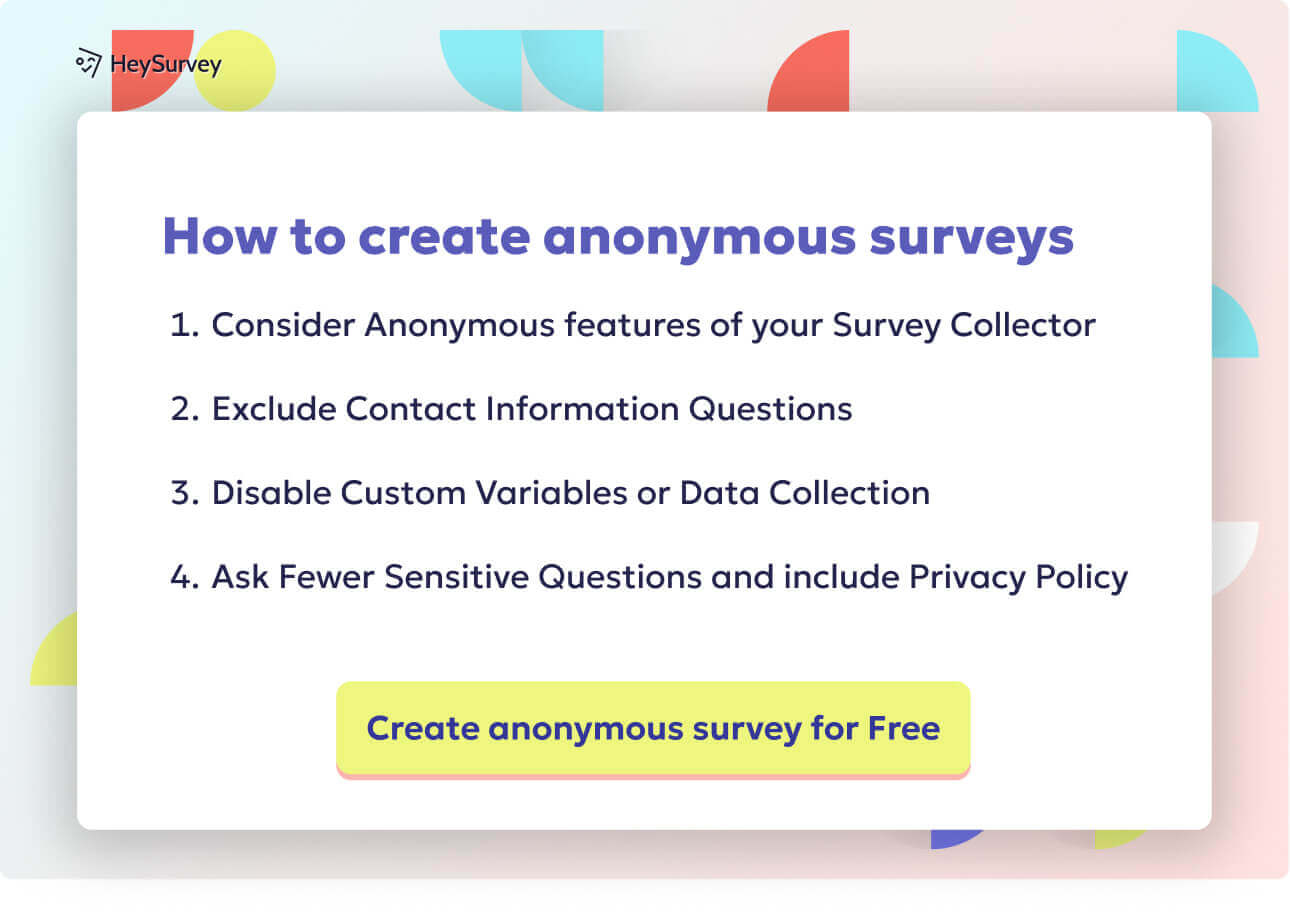
Here’s how to create a YouTube survey in HeySurvey in 3 easy steps:
1. Create a new survey
Click the button below to open a template or start from scratch. If you want a quicker setup, choose a pre-built template and rename the survey in the editor. You can do this without an account, but you’ll need one before publishing.
2. Add questions
Use Add Question to include the questions you want viewers to answer. For a YouTube survey, you can ask about video quality, content relevance, watch intent, or channel preferences. Add Choice, Scale, or Text questions depending on the feedback you need. You can also paste a YouTube link into a question to show the video directly inside the survey. Mark important questions as required if you want every response completed.
3. Publish survey
Preview your survey first to check the layout and questions. When everything looks good, click Publish to generate a shareable link. You can then send it to your audience, embed it on a website, or collect responses from your viewers.
Content Preference Survey Questions
Sample questions
Which topics do you want to see more often on this channel?
What type of videos do you enjoy most from me?
Which upcoming video idea interests you the most?
Do you prefer quick tips, deep dives, or step-by-step tutorials?
What kind of content would make you watch this channel more regularly?
Find out what your viewers actually want, before your content calendar starts guessing.
Why & When to Use
Content preference surveys help you learn which topics, formats, and recurring series your viewers want more of, less of, or absolutely never again.
They are especially useful before planning your content calendar, testing a new series, or choosing between tutorials, reviews, interviews, Shorts, or livestreams.
Here’s the thing: this survey type cuts down on guesswork and makes your content feel more relevant from the start.
Instead of tossing ideas at the algorithm and hoping one sticks, you get direct input from the people you want to keep watching.
Plus, the best responses usually show patterns, not just one-off opinions.
Group answers into bigger themes so you can spot what keeps coming up, like beginner help, product comparisons, behind-the-scenes content, or advanced strategy topics.
That makes editorial planning much easier.
Use content preference surveys to guide:
future video topics
format choices
recurring series ideas
content gaps your audience keeps hinting at
On top of that, balance viewer requests with your actual expertise and search demand.
If everyone asks for something you cannot cover well, or nobody is searching for it, that is a clue, not a command.
Open-ended responses are especially helpful because they often uncover unmet content opportunities hiding in plain sight, like spare change in the couch.
YouTube says audience insights and survey responses help identify viewers’ preferred topics and formats, improving content planning around what they actually watch and enjoy (source).
Viewer Satisfaction Survey Questions
Sample questions
How satisfied are you with the overall quality of my videos?
What do you find most valuable about this channel?
What frustrates you or makes videos less enjoyable?
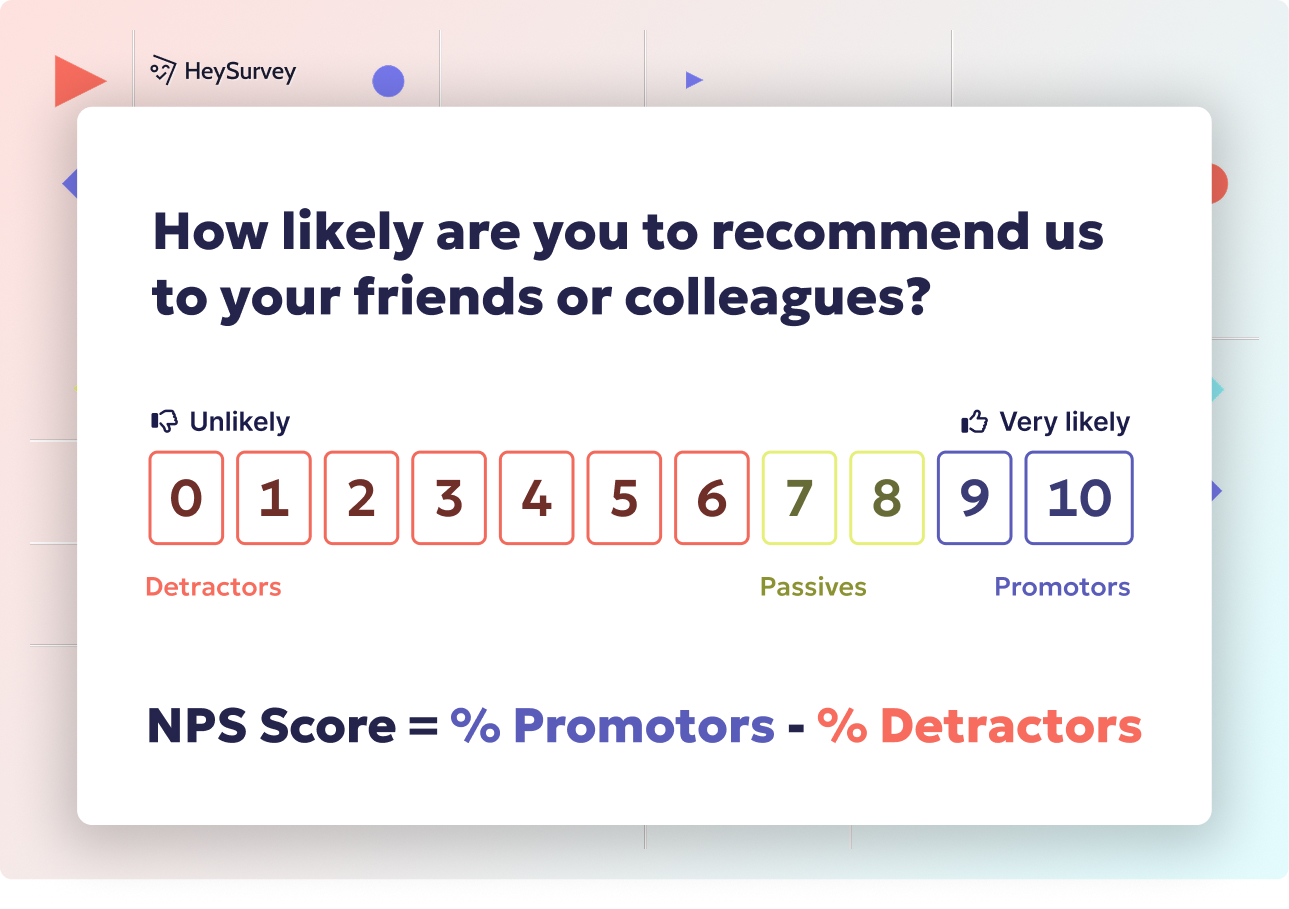
How likely are you to recommend this channel to someone else?
What is one thing I could improve right away?
Satisfaction surveys show whether your videos are actually landing well, not just getting clicks.
Why & When to Use
Viewer satisfaction surveys help you measure how well your current videos meet expectations, especially after people have had time to watch, react, and form opinions.
They work best after a major upload, a content pivot, a promotional campaign, or the launch of a new series.
Here’s the thing: strong views do not always mean strong satisfaction.
A video can pull solid numbers and still annoy people with weak pacing, muddy audio, confusing structure, or the same point repeated twelve times like it is training for a marathon.
That is why this survey type is so useful.
Use a mix of rating-style and open-ended questions so you can track patterns and also hear the why behind the score.
Pay close attention to themes like:
pacing
clarity
audio quality
repetition
overall value
Plus, do not panic over one dramatic comment that sounds like it was written during a power outage.
Prioritize recurring complaints over isolated remarks, because repeated feedback usually points to real friction.
On top of that, notice what people praise most often.
That tells you what to protect while you improve the weak spots.
Engagement and Community Survey Questions
Sample questions
What usually motivates you to comment on a YouTube video?
How do you prefer to interact with creators you follow?
What would make you more likely to join livestreams or premieres?
Which community content do you enjoy most outside regular videos?
What prevents you from engaging more often with this channel?
Engagement surveys help you figure out what turns quiet viewers into active community members.
Why & When to Use
This survey type helps you learn what actually nudges people to comment, like, share, vote in community posts, or show up for livestreams.
It is especially useful when engagement feels flat, community growth stalls, or you want more than passive views from your audience.
Here’s the thing: people often enjoy your content without interacting at all.
That does not mean they are uninterested, just that something may be getting in the way, and sometimes that something is as simple as a weak prompt doing the motivational work of a sleepy potato.
Use responses to spot common barriers like:
lack of time
unclear questions
weak call-to-action wording
not noticing community posts
low interest in certain formats
Plus, these answers can help you improve your engagement hooks and choose better community content formats.
You might learn that your viewers want polls, behind-the-scenes updates, Q&As, or more interactive premieres instead of generic reminders to “comment below.”
On top of that, highly engaged viewers are often your best co-pilots.
Their feedback can help shape future series, offers, and community experiences, which builds stronger loyalty and better retention over time.
Research shows creator-hearted comments posted soon after publication can increase later commenting and overall video engagement, highlighting creator interaction as a key engagement driver (source).
Brand, Product, and Purchase Intent Survey Questions
Sample questions
How much does my YouTube content influence your buying decisions?
What type of product or service would you most likely buy from this channel?
What matters most to you before purchasing a recommended product?
How comfortable are you with sponsored content on this channel?
What would make you trust a product recommendation more?
These surveys help you measure trust, buying readiness, and how much your content actually moves people toward a purchase.
Why & When to Use
If your channel connects to products, services, affiliate links, sponsorships, or lead generation, this survey type helps you see whether viewers are just interested or actually ready to buy.
It is especially useful before a launch, during a promotional campaign, or when you want to know if your offers and brand partnerships truly match what your audience wants.
Here’s the thing: clicks and compliments can look exciting, but they do not always mean purchase intent.
That is why it helps to separate casual curiosity from genuine buying readiness before you build a whole campaign around vibes alone.
Look for trust signals like:
transparency about sponsorships
clear product demonstrations
proof that the product works
honest reviews that include pros and cons
strong alignment between the offer and your audience’s needs
Plus, these responses can help you position your offers more clearly and choose sponsors that feel like a natural fit instead of a random guest star.
On top of that, when you know what makes people trust your recommendations, you can create promotions that feel more helpful, more believable, and a lot less like a sales cart doing jazz hands.
Video Experience and Format Survey Questions
Sample questions
What video length do you prefer for this type of content?
How do you feel about the pacing of my videos?
Do you prefer videos with a quick summary at the start?
What style of editing helps you stay engaged the most?
What makes you click on one of my videos instead of skipping it?
These surveys help you improve how your videos feel to watch, without changing what your channel is actually about.
Why & When to Use
If you want better watch time, stronger clicks, or smoother retention, this survey type helps you tune the format itself, including length, structure, editing style, thumbnails, intros, and overall viewing experience.
It is especially useful when retention suddenly drops, watch time levels off, or you start testing new formats and want feedback that is more useful than guessing and hoping for the best.
Here’s the thing: sometimes the topic is fine, but the delivery needs a glow-up.
Format feedback helps you refine how you present your ideas without messing with the core subject your audience already came for.
Pay close attention to common trouble spots like:
intros that take too long to get to the point
weak hooks that do not create enough curiosity
cluttered editing that feels distracting instead of dynamic
video structure that feels confusing or uneven
thumbnails that do not earn the click
Plus, connect survey responses with your retention graphs and click-through trends so you can spot patterns instead of random opinions.
On top of that, test one format change at a time, because if you change five things at once, your data basically turns into soup.
How to Write Effective YouTube Survey Questions
Sample questions
What is the main reason you subscribed to this channel?
Which topic do you want help with most right now?
What nearly made you stop watching my last video?
Which of these formats best fits your learning style?
If you could change one thing about this channel, what would it be?
Better questions create better answers.
Why & When to Use
If you want survey responses that actually help you make decisions, your questions need to be clear, specific, and easy to answer.
This applies to basically every YouTube survey you make, whether you are testing content ideas, improving retention, or figuring out why people subscribed in the first place.
Here’s the thing: a messy question usually gets you messy feedback, which is about as useful as a chocolate teapot.
Keep each question focused on one idea at a time so your audience does not have to guess what you really mean.
Plus, avoid vague, leading, or double-barreled questions, because those can push people toward answers that sound helpful but are not.
A strong survey usually includes a mix of question types so you can collect both quick patterns and useful detail:
multiple-choice questions for fast trend spotting
rating questions for measuring strength of opinion
open-ended questions for feedback in your audience’s own words
On top of that, keep the survey short enough to finish without friction, because long surveys lose people fast.
Only ask questions connected to decisions you are actually ready to make, so the answers lead to action instead of just sitting in a spreadsheet looking important.
YouTube Survey Best Practices
Sample questions
What is the main goal of this survey for your channel right now?
Which viewer group do you most want feedback from first?
What is one open-ended question that could reveal something you did not expect?
How will you compare survey feedback with your YouTube analytics before making changes?
What will you do with the responses once the survey closes?
Smart survey habits save you from bad channel decisions.
Why & When to Use
If you want survey feedback that actually improves your channel, best practices matter just as much as the questions themselves.
Here’s the thing: a decent survey can still lead you straight into chaos if you use it carelessly.
Use these practices anytime you are gathering feedback for content planning, audience research, retention problems, or format testing.
Dos
Define one clear goal before writing anything.
Choose one survey type for one objective.
Keep it short so people can finish fast.
Use simple language your audience gets instantly.
Include at least one open-ended question for surprise insights.
Review responses by segment, like new viewers versus loyal subscribers.
Compare survey feedback with real channel metrics before making big moves.
Repeat important surveys over time to spot changing audience needs.
Don’ts
Do not cram too many questions into one survey.
Do not collect sensitive personal data unless you truly need it.
Do not trust only the loudest responses.
Do not ask leading questions that nudge viewers toward your preferred answer.
Do not pivot your content based on a tiny sample.
Do not ignore clashes between survey answers and watch data.
Do not promise changes you may never seriously review.
Do not let feedback rot in a spreadsheet dungeon.
Turn YouTube Survey Insights Into Action
Sample questions
Which feedback theme appears most often across responses?
What audience request aligns best with my channel goals?
Which improvement could have the fastest positive impact?
What content idea should I test first based on survey results?
How will I measure whether the change worked?
Good feedback only counts when you actually use it.
Why & When to Use
This is the part where survey answers stop being interesting and start being useful.
If you want better content, stronger engagement, and smarter channel growth, you need to turn responses into clear priorities and simple experiments.
Here’s the thing: survey results do not magically fix your channel by sitting in a spreadsheet looking important.
Use this step right after collecting feedback, especially when you are deciding what to improve, what to test next, or what your audience keeps politely shouting at you.
Start by grouping responses into practical buckets so patterns are easier to spot.
Quick wins, like clearer titles, better thumbnails, or tighter intros.
Strategic changes, like new series ideas or format adjustments.
Long-term ideas, like repositioning your content or expanding into new topics.
Plus, do not try to overhaul everything at once.
Choose one or two actions that match both audience demand and your channel goals, then write down what you expect to happen before you test them.
On top of that, review results against real metrics so your decisions stay grounded.
Watch time
Click-through rate
Comments and engagement
Conversions, sign-ups, or sales goals
Consistent audience listening helps you build a stronger YouTube strategy over time, one smart test at a time.
Related Surveys
29 Social Media Survey Questions
Explore 25 social media survey questions with practical sample prompts to help gather insights on...
31 Job Satisfaction Survey Questions
Explore **25 job satisfaction survey questions** with sample prompts to improve employee feedback...
29 Quantitative Survey Questions Guide
Explore 25 quantitative survey questions with sample questions, examples, and tips to build effec...