29 Newsletter Survey Questions That Boost Engagement
Explore 25 newsletter survey questions with sample answers to boost engagement, gather insights, and improve your email strategy.
Want better opens, more clicks, and fewer unsubscribes? Umfrage newsletter tactics start with smart newsletter survey questions that show you what your readers actually want, so you can boost engagement, relevance, retention, and conversions without guessing.
A newsletter feedback survey can be a quick pulse check, a preference form, newsletter quizzes, or even employee newsletter survey questions for internal updates, and an online survey tool can make that process easier. Plus, this guide walks you through the best newsletter tests, when to use each survey, sample questions, and how to turn answers into improvements your readers will actually notice.
Newsletter Feedback Survey Questions
Sample questions
How satisfied are you with our newsletter overall?
Which parts of our newsletter do you find most useful?
What topics would you like us to cover more often?
Is our newsletter too frequent, too infrequent, or about right?
What is one thing we could improve to make this newsletter more valuable?
A newsletter feedback survey helps you stop guessing and start listening.
Why & When to Use
A newsletter feedback survey is your go-to option when you want to understand overall satisfaction, content quality, email frequency, and whether readers feel your emails are actually worth opening.
It works especially well after several sends, during quarterly reviews, after a redesign, or when engagement suddenly dips and you need answers fast.
Here's the thing, it is also perfect for readers quietly wondering, "how can i provide feedback on your newsletter?" because it gives them an easy, clear path to tell you what is working and what needs a tune-up.
Keep your umfrage newsletter short and low-friction so more people finish it.
Use mostly multiple-choice questions.
Add one open-ended field for honest comments.
Place the survey in a newsletter feedback form or link to it from the email.
Segment responses by subscriber type or engagement level to spot patterns faster.
Plus, these user feedback survey questions are simple enough to use in regular newsletter tests without making readers feel like they just got assigned homework.
On top of that, this kind of newsletter umfrage gives you practical insights you can turn into better topics, smarter timing, and stronger surveys for bulletins that people actually enjoy reading.
A newsletter survey should prioritize satisfaction, usefulness, and preferred frequency, since study participants reported high satisfaction and favored regular newsletters (source).
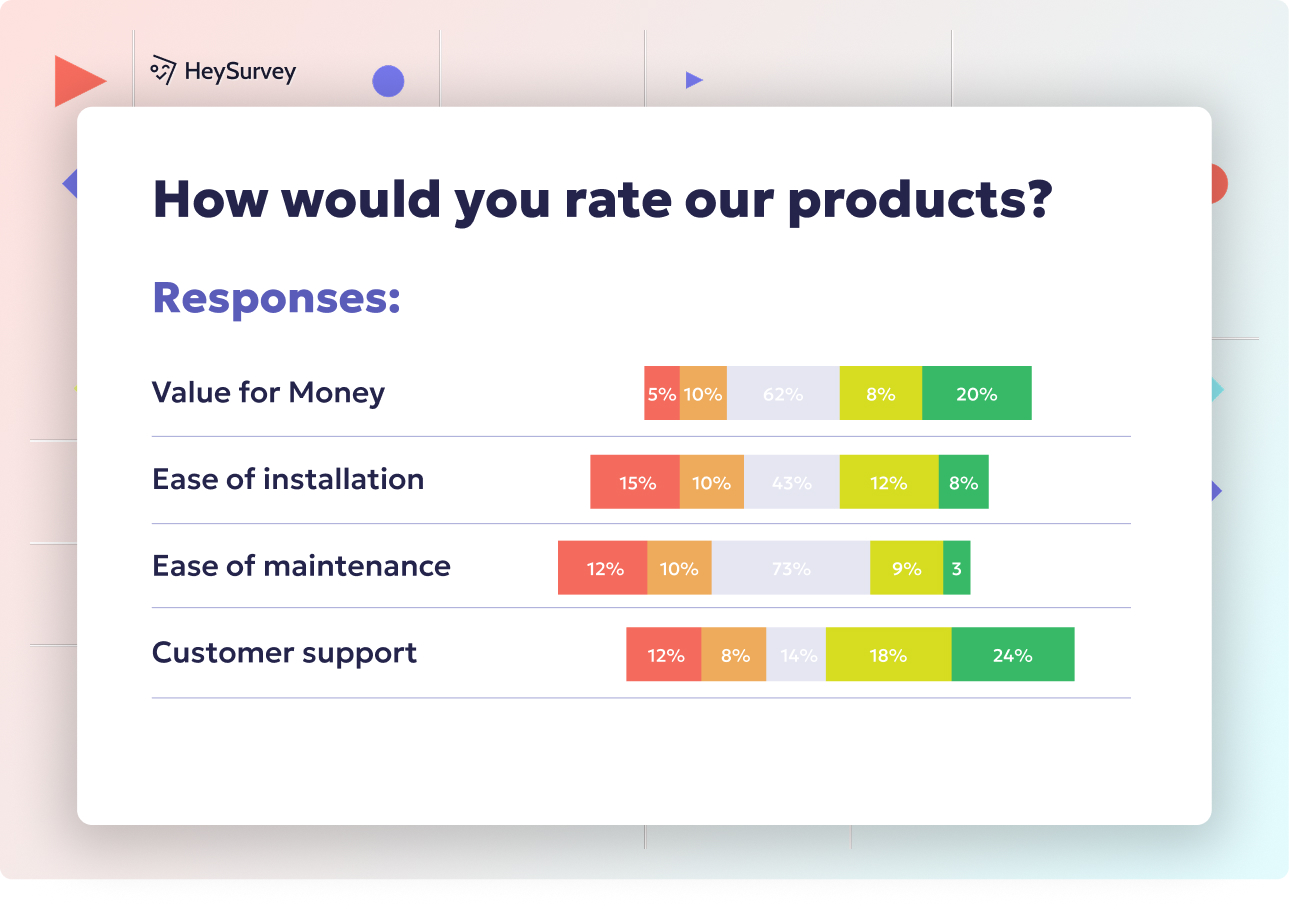
How to create a newsletter survey in HeySurvey
Create a new survey
Start by opening a newsletter survey template using the button below, or begin from scratch with an empty survey. HeySurvey works right in your browser, so you can get started without an account. Once the editor opens, give your survey a clear name so it is easy to find later.Add questions
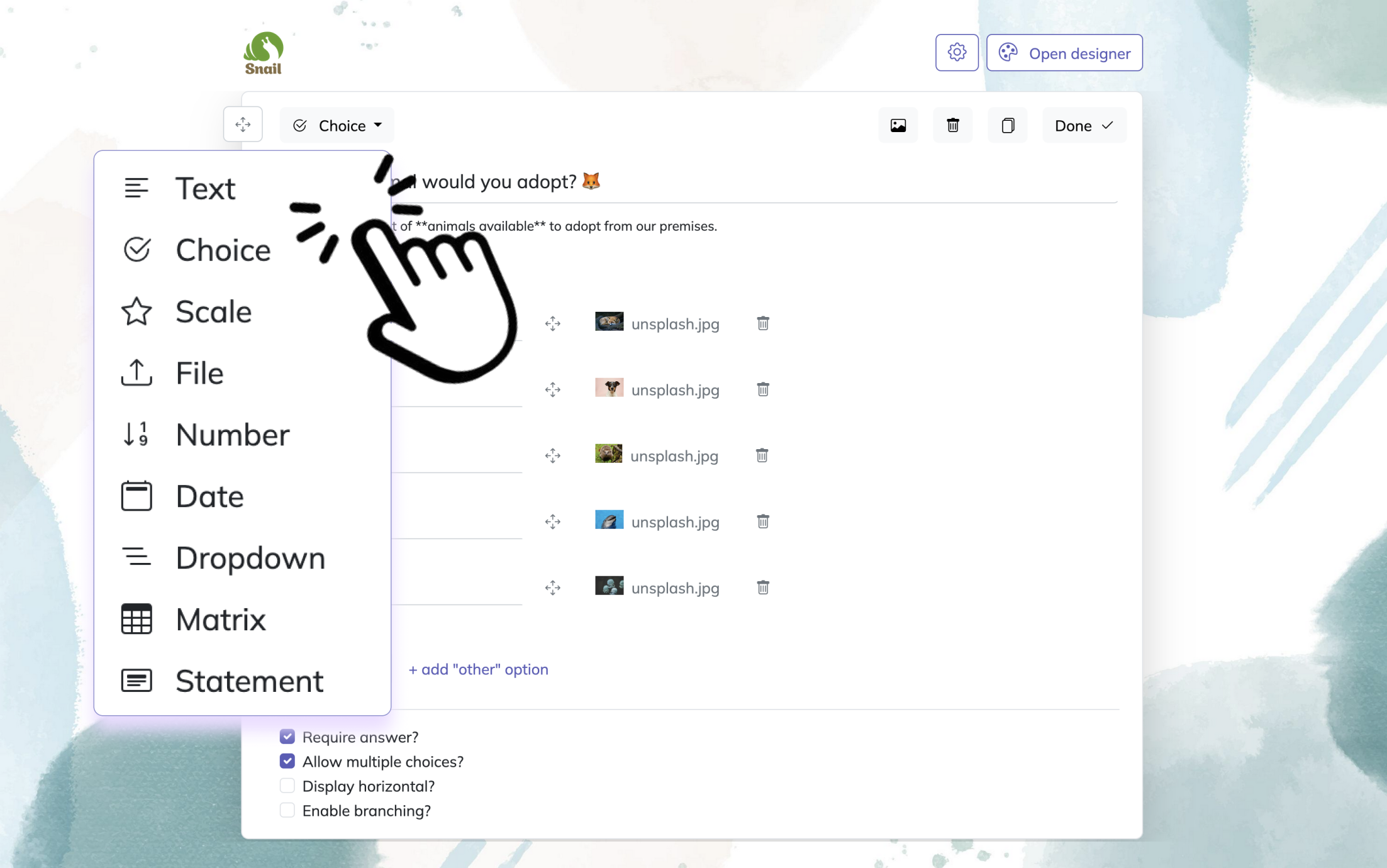
Click Add Question to include the questions you want to ask subscribers. For a newsletter survey, you might use Choice questions for preferences, Scale questions for satisfaction, and Text questions for open feedback. You can mark questions as required, add descriptions, and reorder them anytime. If needed, customize the design, add your logo, or translate the survey into your language.Publish survey
When your newsletter survey is ready, use Preview to check how it looks and works. Then click Publish to create a shareable link. After publishing, you can send the survey to your audience, embed it on your website, or share it in email.
Content Preference Survey Questions for Newsletter Planning
Sample questions
Which topics do you want to see more of in our newsletter?
Which content format do you prefer: quick tips, deep dives, case studies, news roundups, or interviews?
How much detail do you want in each newsletter issue?
Which of these topic categories is least relevant to you?
What is one newsletter you enjoy, and why?
A content preference survey helps you plan smarter, not louder.
Why & When to Use
A content preference survey helps you shape your editorial calendar based on what your readers actually want, not what you hope they want. It is especially useful for identifying preferred topics, formats, and how much depth people expect from each issue.
Use this kind of newsletter feedback survey when you are launching a new email, refining your content strategy, or trying to grow a niche audience without spraying content everywhere like confetti.
Here's the thing, a strong survey newsletter planning process makes future sends easier because you can group responses into clear content pillars and stop guessing what belongs in the next issue.
Ask about high-interest topics so you know what to feature more often.
Ask about low-interest topics too, so you know what to trim.
Group answers into content pillars like beginner tips, industry news, strategy, or case studies.
Use the data to build segments and personalize future issues.
Plus, this approach works well in newsletter tests because it gives you a simple way to compare audience preferences before you commit to a full content plan.
On top of that, if you serve multilingual readers, you can frame it as a newsletter umfrage for content decisions and still keep the goal crystal clear.
A conjoint study found e-newsletter preferences are driven most by email frequency, then information covered and content type—use surveys to prioritize those dimensions (source).
Subscriber Onboarding Survey Questions
Sample questions
What prompted you to subscribe to our newsletter?
What are you hoping to learn or get from these emails?
How often would you like to hear from us?
Which best describes your experience level with this topic?
Which topics should we send you first?
An onboarding umfrage newsletter helps you personalize from hello, not three weeks too late.
Why & When to Use
A subscriber onboarding survey captures intent right at the start of the relationship, when your reader is still raising their hand and saying, "Yep, I want this." That makes it one of the most useful types of newsletter feedback survey for shaping welcome emails, setting expectations, and improving early clicks.
Use it immediately after sign-up or inside your welcome series while interest is fresh. Here's the thing, if you wait too long, people forget why they joined and your newsletter tests lose some of their magic.
Keep this survey newsletter step extremely short so new subscribers do not bounce before answering.
Use answers to segment readers by goals, interests, and experience level.
Branch your welcome sequence based on what each subscriber wants first.
Prioritize early topics that match subscriber intent instead of sending the same intro to everyone.
Reduce unsubscribes by aligning frequency and content expectations early.
Plus, this format works well for both B2B newsletters and creator-led emails because the core question is always the same: how can I provide feedback on your newsletter? On top of that, simple newsletter survey questions at the start can do more heavy lifting than a fancy automation stack wearing a tiny superhero cape.
Engagement and Readership Survey Questions
Sample questions
How often do you usually read our newsletter?
When you open our newsletter, what are you usually looking for first?
What most often stops you from clicking through?
How long do you prefer a newsletter to be?
Which subject line style makes you most likely to open our emails?
This newsletter feedback survey helps you spot behavior patterns, not just polite opinions.
Why & When to Use
These newsletter survey questions help you figure out why people open but do not click, skim instead of read, or slowly drift into inbox wallpaper. Here's the thing, this kind of umfrage newsletter is less about general praise or complaints and more about what your readers actually do.
Use it when you notice falling open rates, weaker click-through rates, or clear list fatigue signals. Plus, it works especially well when your newsletter tests show something is off, but the numbers alone will not tell you why.
A strong newsletter umfrage can uncover friction points like weak subject lines, unclear calls to action, poor article order, or newsletters that feel too long. On top of that, it gives you better context for user feedback survey questions for bulletins that aim to improve real readership habits.
Use responses to guide newsletter tests for subject lines, CTA placement, send timing, and email length.
Compare what readers say with actual performance data so you do not optimize for guesses.
Look for behavior-based fixes, like moving key links higher, shortening intros, or using clearer buttons.
Turn recurring answers into practical newsletter quizzes or future newsletter survey questions.
If you have ever wondered, "how can I provide feedback on your newsletter?" this is the survey that answers it with useful detail, not shrug emojis.
Because Apple Mail Privacy Protection inflates opens, newsletter surveys should prioritize click barriers, content order, and email length over self-reported open behavior (Mailchimp).
Newsletter Quiz and Interactive Survey Questions
Sample questions
Which of these best describes your biggest challenge right now?
What type of solution are you currently using, if any?
Which result are you trying to achieve first?
How confident do you feel about this topic today?
Which of these newsletter topics should we turn into a mini-series next?
A smart umfrage newsletter can feel less like homework and more like a tiny choose-your-own-adventure.
Why & When to Use
Newsletter quizzes and interactive survey questions can boost participation because they feel quicker, more playful, and easier to answer than a standard newsletter feedback survey. Here's the thing, you still collect useful preference and intent data, but in a format people are more likely to actually finish.
Use this style when you want audience education, lead qualification, product fit insights, or a seasonal campaign with more energy. Plus, it works well when your newsletter tests need richer input without making surveys for bulletins feel stiff or overly formal.
A newsletter quiz is different from a traditional feedback survey. A quiz usually guides readers toward a result, category, or next step, while a newsletter survey questions format focuses more directly on opinions, satisfaction, or past experience.
To make it useful, keep the fun tied to real decisions:
Balance entertainment with data you can actually use.
Match quiz outcomes to segmented newsletter tracks or follow-up content.
Use answers to shape future newsletter tests and content planning.
Keep the interaction short so readers do not bail halfway through like it is leg day.
On top of that, a well-built newsletter umfrage can increase replies and reveal what your audience wants next, before you guess wrong with confidence.
Employee Newsletter Survey Questions
Sample questions
How useful is the company newsletter for keeping you informed?
Which sections of the employee newsletter do you read most often?
What workplace topics should be covered more regularly?
Does the newsletter feel too long, too short, or about right?
What would make the internal newsletter more relevant to your role?
A strong umfrage newsletter for employees helps you spot communication gaps before they turn into office folklore.
Why & When to Use
Employee newsletter survey questions are built for internal newsletters, company bulletins, and day-to-day workforce communication. If you are creating a newsletter feedback survey for staff, this format helps you measure clarity, relevance, morale impact, and overall communication effectiveness.
Use this section when you want to know whether employees actually read the updates, understand them, and find them useful. Plus, it is especially helpful for teams searching for surveys for bulletins, internal newsletter feedback, or a practical newsletter umfrage for workplace communication.
To get better results from your newsletter tests, keep the survey specific to how people work:
Tailor questions by department, location, or role when those differences affect what people need to know.
Address trust concerns clearly, especially if anonymity matters for honest answers.
Ask about clarity, usefulness, and timing, not just general satisfaction.
Use findings to improve leadership updates, policy communication, and employee engagement content.
Here's the thing, internal feedback can get cautious fast if people think their answers are not really private. A good newsletter feedback survey should explain who will see responses and how the feedback will be used.
On top of that, smart newsletter survey questions help you make the internal newsletter feel less like background noise and more like something worth opening before the coffee kicks in.
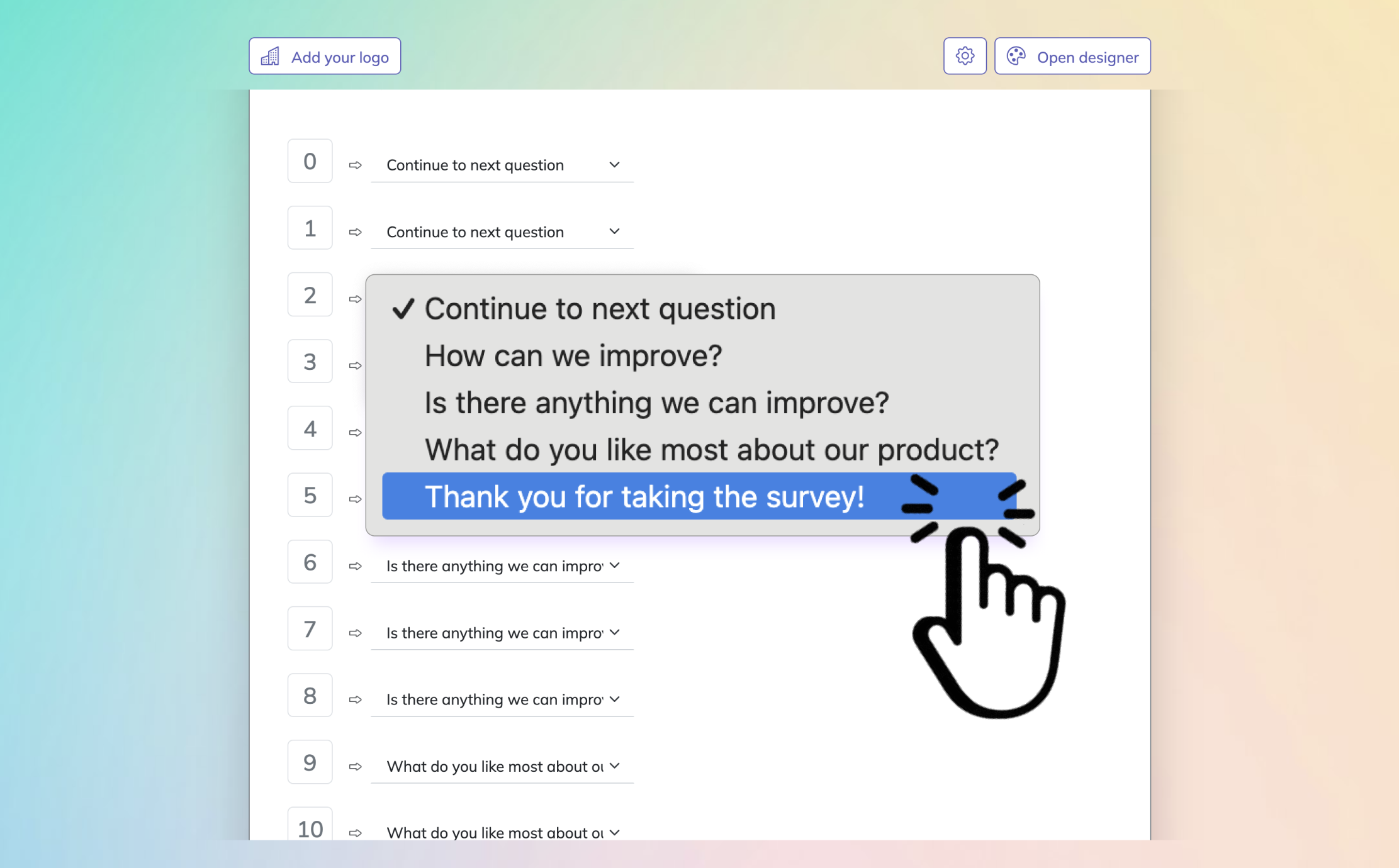
Best Practices for Writing and Using Newsletter Survey Questions
Sample questions
Is this survey short enough for most subscribers to complete quickly?
Does each question focus on one clear idea?
Are we asking questions that can directly influence newsletter decisions?
Do we offer a mix of measurable and open-ended responses?
Have we explained why we are asking for feedback?
Smart newsletter tests turn a basic umfrage newsletter into feedback you can actually use.
Why & When to Use
Best practices give your newsletter feedback survey a real backbone. They help you get higher response rates, cleaner data, and insights you can actually use instead of a pile of vague opinions.
Use this section as the framework behind every survey type, whether you are building a simple umfrage newsletter, planning newsletter quizzes, or refining newsletter survey questions after a redesign. Plus, when your process is better, every other survey gets better too.
A strong setup keeps your surveys easy to answer and easy to analyze. Here's the thing, if your survey feels like homework, your readers will disappear faster than free snacks in a break room.
Do:
Keep surveys short and focused on one goal.
Use simple, unbiased wording.
Mix multiple-choice questions with one or two open-text prompts.
Time surveys around onboarding, redesigns, or engagement drops.
Explain how feedback will be used.
Review question order and test survey length when relevant.
Don’t:
Ask too many open-ended questions.
Combine multiple ideas into one question.
Survey readers too often.
Collect feedback and then do nothing with it.
Ignore segmentation when reviewing responses.
Make the whole newsletter feedback survey about your goals instead of subscriber needs.
Common Mistakes to Avoid With Newsletter Surveys
Sample questions
Are we surveying the right audience segment for this question?
Are we sending the survey at a moment when subscribers can answer meaningfully?
Are our answer choices specific enough to guide action?
Are we comparing survey responses with real engagement metrics?
Are we prepared to make changes based on the feedback we receive?
Even a great umfrage newsletter can flop if the setup is messy, mistimed, or ignored afterward.
Why & When to Use
Many newsletter surveys fail for a boring reason with expensive consequences. It is not lack of interest, but poor design, bad timing, and fuzzy follow-through that turn a promising newsletter feedback survey into unreliable data.
Use this section when you want to catch problems before you send. Plus, it helps you avoid wasted sends, weak insights, and newsletter tests that look useful but quietly lead you in the wrong direction.
Here are the biggest mistakes to watch for in any umfrage newsletter, newsletter feedback survey, or set of newsletter survey questions:
Asking vague questions that produce vague answers.
Surveying everyone when only one subscriber segment can answer well.
Sending too often and causing survey fatigue.
Ignoring non-responders, who often tell you something important by not replying.
Using answer choices that are too broad to guide action.
Failing to compare survey results with open rates, clicks, and other engagement data.
Collecting feedback and then never closing the loop with readers.
Here's the thing, even well-written surveys for bulletins lose value if you do not analyze results systematically. On top of that, if subscribers feel their input disappears into a black hole, your next newsletter umfrage may get the digital equivalent of polite silence.
Turning Newsletter Survey Insights Into Action
Sample questions
Which feedback themes appear most often across responses?
Which subscriber segments want different topics or formats?
What is the fastest improvement we can implement in the next send?
Which ideas should be validated with newsletter tests before a full rollout?
How will we tell subscribers their feedback led to changes?
Your best umfrage newsletter only pays off when you actually do something with the answers.
Why & When to Use
Collecting responses is not the win by itself. The real value of a newsletter feedback survey shows up when feedback changes your content, segmentation, cadence, and newsletter tests in ways readers can feel.
Use this wrap-up when you are ready to turn survey data into measurable improvement. Here's the thing, this is the bridge between interesting opinions and smarter sends that earn more opens, clicks, and replies.
A practical action framework for any umfrage newsletter or newsletter feedback survey looks like this:
Categorize feedback by theme, such as content preferences, format requests, frequency complaints, and engagement barriers.
Prioritize ideas by likely impact and ease of implementation.
Test bigger changes with newsletter tests before rolling them out to everyone.
Measure results using both survey responses and behavior data.
Report back to subscribers so they know their input mattered.
Plus, some of the best improvements are wonderfully unglamorous. You might refine sending frequency, add a new section, remove low-value content, or build segmented editions for different reader groups.
On top of that, not every idea deserves a full launch right away. Some newsletter survey questions point to quick wins, while others need newsletter quizzes, surveys for bulletins, or a small newsletter umfrage first, because guessing is fun only in game shows.
Regular newsletter surveys create an ongoing feedback loop, not a one-time project.
Related Feedback Survey Surveys
29 Catering Survey Questions to Ask Customers
Explore 25 sample catering survey questions to gather feedback, improve events, and understand cl...
29 User Feedback Survey Questions for Better Insights
Explore 25 user feedback survey questions to uncover insights, improve your product, and create b...
29 Environment Survey Questions to Ask Today
Discover 25 environment survey questions with sample answers to improve feedback, measure awarene...